
Description
Software Version:FRAMECAD Steelwise 1.1.5.0 (May 2026) for unlimited PC
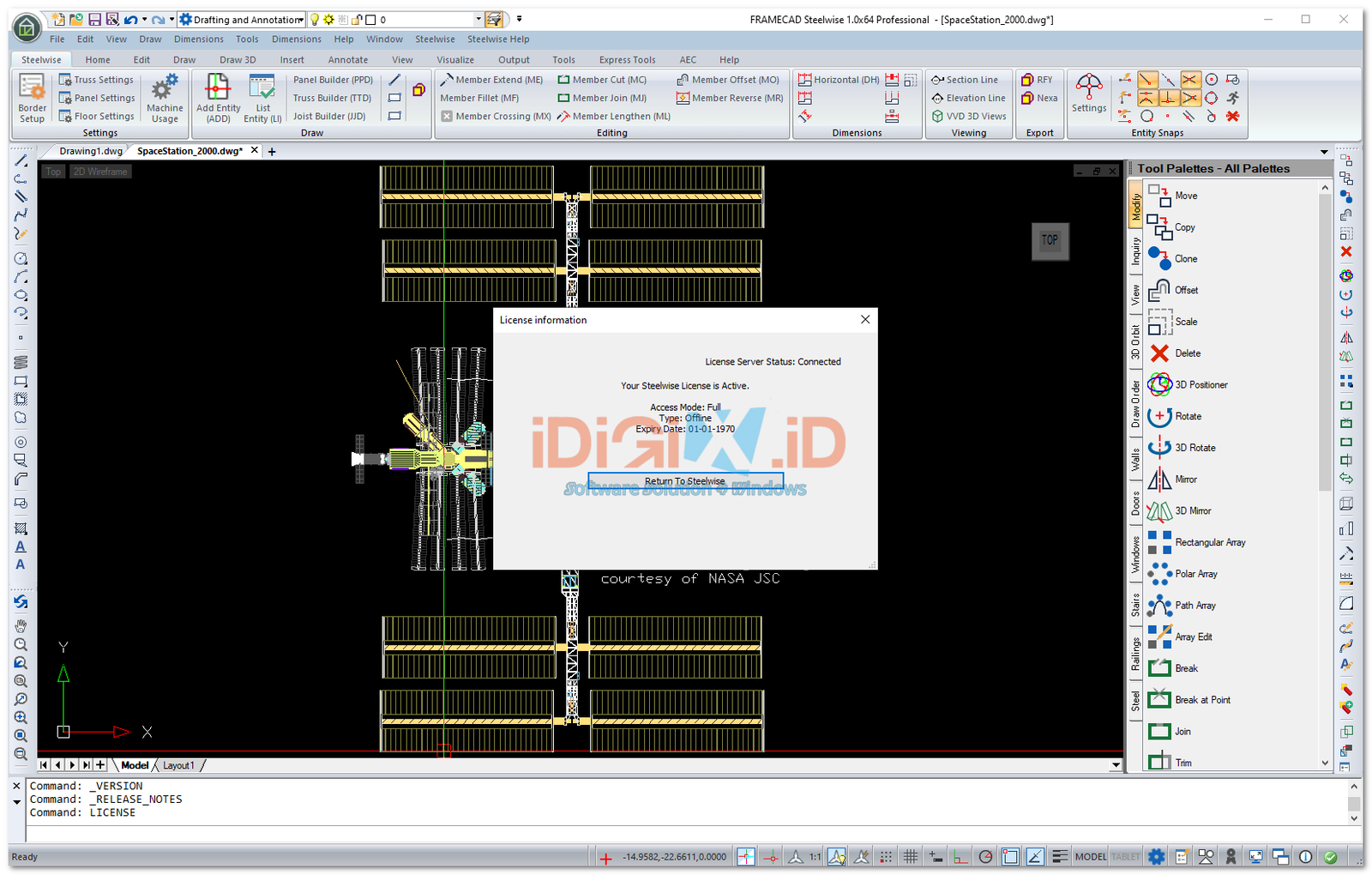
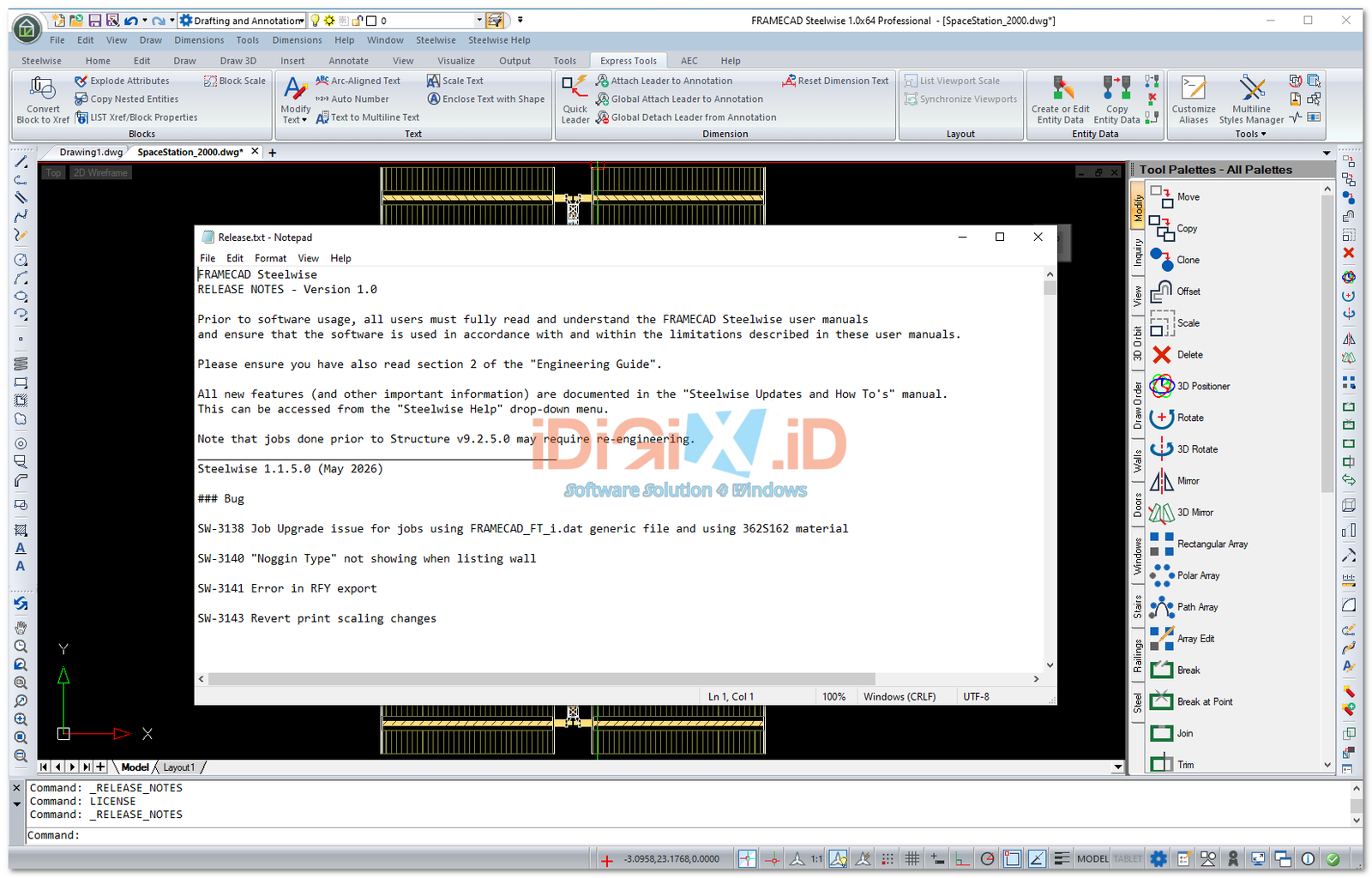
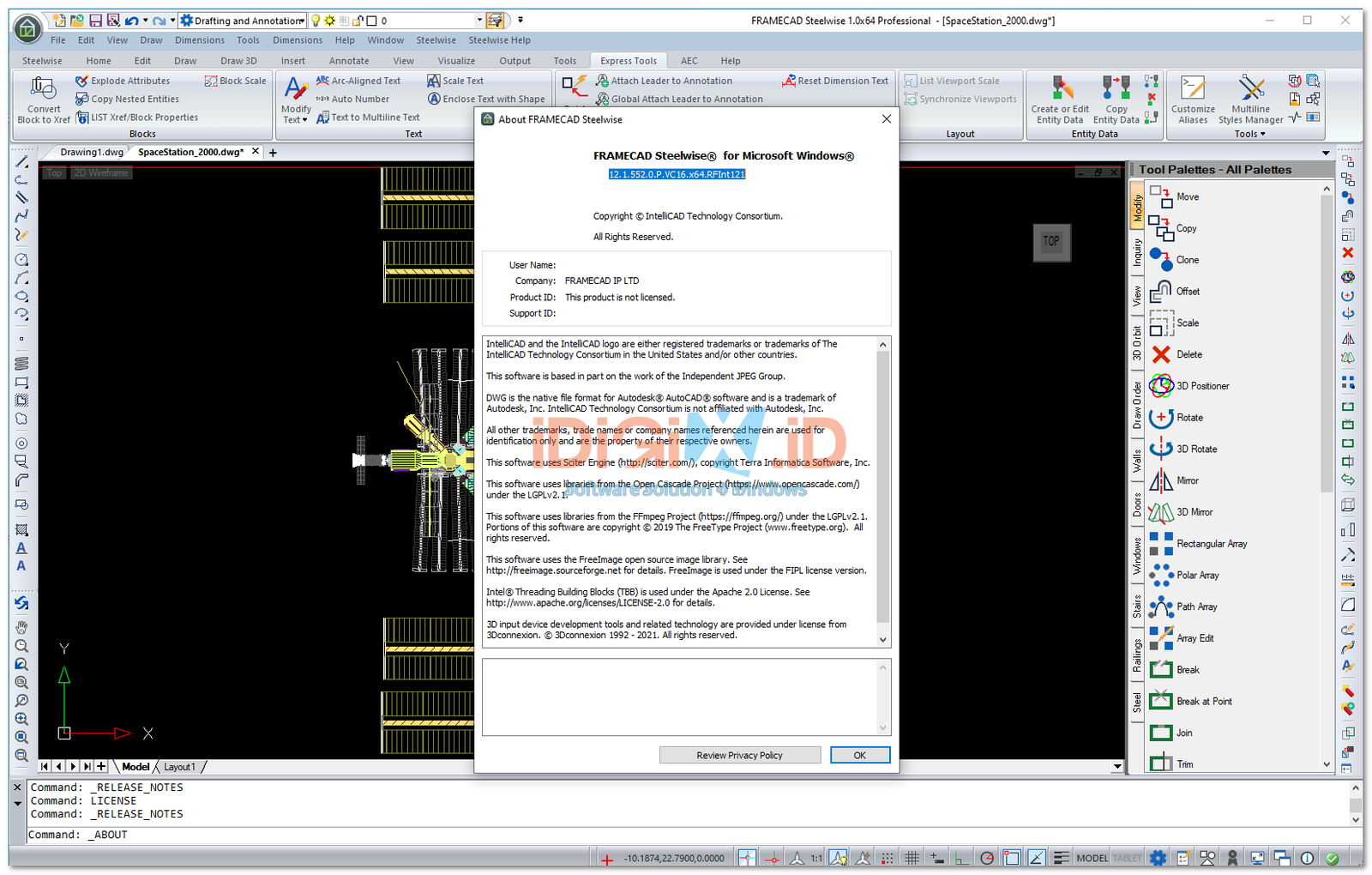
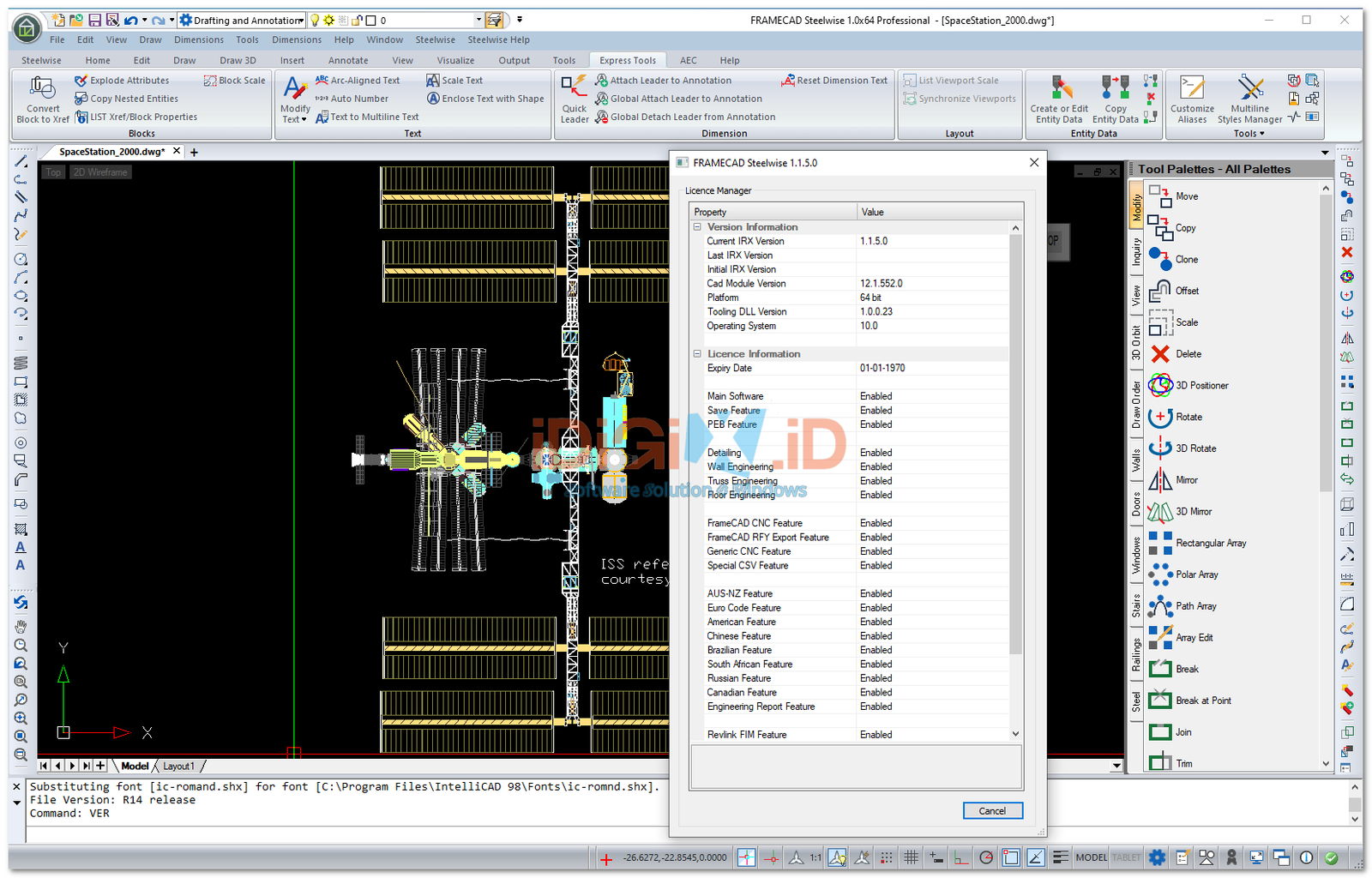
FRAMECAD: The Ultimate End-to-End Light Gauge Steel Design & Manufacturing Solution
Revolutionize your construction workflow with FRAMECAD, the world’s most advanced software suite for Light Gauge Steel (LGS) rapid construction. Seamlessly bridging the gap between architectural concept, structural engineering, and factory floor manufacturing, FRAMECAD enables structural engineers, architects, and manufacturers to design and build cold-formed steel structures with unmatched speed, accuracy, and efficiency.
Why Choose FRAMECAD Software?
FRAMECAD offers a complete design-and-build ecosystem. By integrating structural engineering calculations directly with rapid-manufacturing technology, it ensures that what you design on screen is exactly what gets produced in the factory. It eliminates guesswork, minimizes material waste, and dramatically reduces construction cycle times compared to traditional building methods.
Key Components & Features
The FRAMECAD software ecosystem consists of specialized tools designed to streamline every phase of your project:
-
FRAMECAD Detailer: A powerful, specialized CAD detailing software that allows you to easily design walls, roof trusses, and floor joists for light gauge steel framing. It automates panel generation and complies with global building codes.
-
FRAMECAD Structure: A comprehensive structural engineering software that performs real-time building analysis. It automatically calculates dead loads, live loads, wind loads, and seismic activities to ensure your steel frame designs are fully compliant and safe.
-
FRAMECAD Factory Integration: Instantly export your finalized designs into production-ready data files. The software directly communicates with cold-formed steel rolling machines, ensuring mistake-free CNC manufacturing.
-
BIM & Revit Integration: Seamlessly import and export files between FRAMECAD, Autodesk Revit, and other major BIM software to maintain coordination across multi-disciplinary engineering teams.
-
Automated Bill of Materials (BOM): Instantly generate highly accurate material lists, hardware counts, and costing estimates, giving you total control over project budgets.
| Component | Minimum Requirement | Recommended Specification (For Large Projects) |
| Operating System | Windows 10 (64-bit) | Windows 11 (64-bit) |
| Processor (CPU) | Intel Core i5 / AMD Ryzen 5 (2.5 GHz or faster) | Intel Core i7 / i9 or AMD Ryzen 7 / 9 (3.5+ GHz Multi-Core) |
| Memory (RAM) | 8 GB | 16 GB or 32 GB (Essential for large BIM/Revit layouts) |
| Graphics Card (GPU) | DirectX 11 compliant with 2GB VRAM | NVIDIA GeForce RTX or Quadro Series (4GB+ VRAM) |
| Storage | 2 GB free space | Solid State Drive (SSD or NVMe) for rapid project loading |
| Display Resolution | 1280 x 1024 | 1920 x 1080 (Full HD) or Dual Monitor Setup |
| Internet / Port | USB port (for hardware dongle if applicable) | High-speed internet for cloud license validation and updates |
Perfect For
-
Structural Engineers: Looking for an automated way to design and certify safe cold-formed steel structures.
-
LGS Fabricators & Manufacturers: Who need precision software to drive automated roll-forming production lines.
-
BIM Managers & Coordinators: Integrating rapid off-site modular framing methods into commercial or residential projects.
-
Real Estate Developers: Seeking to speed up project delivery and minimize building costs using modern methods of construction (MMC).
Steelwise 1.1.5.0 (May 2026)
### Bug
SW-3138 Job Upgrade issue for jobs using FRAMECAD_FT_i.dat generic file and using 362S162 material
SW-3140 “Noggin Type” not showing when listing wall
SW-3141 Error in RFY export
SW-3143 Revert print scaling changes
Steelwise 1.1.4.0 (May 2026)
### Story
SW-2373 Add option to filter Models and Materials to only producible ones
SW-3086 Option to change the PSA stud array colour
SW-3094 Label on/off option for small sticks
SW-3095 IntelliCAD version update to 14.1.186
SW-3134 CSV CNC export license feature changes
### Bug
SW-2292 RFY Export – 3D Data issues
SW-2938 Imperial drawing not to scale
SW-3047 R3D fix
SW-3087 Smart panels are not keeping the tooling options set
SW-3101 RFY panel stack order does not match the stack order in the layout
SW-3107 Smart Panel default system name issue
SW-3109 Truss Usage Report (REP – Detail Sheet) quantities incorrect
SW-3110 Smart panels not exporting to IFC
SW-3113 Changing a beam size is not updating in the 3D
SW-3118 CSV Export – Frame Quantity issue
SW-3119 Smart Panel 2D RFY graphics issue in imperial
SW-3125 Smart Panel stud orientation issue
SW-3126 Stud Deflection Check setting issue
SW-3129 Panel Jacks in TSET are not adding machine settings to sticks
SW-3131 Unable to upgrade jobs that contain smart panels
Steelwise 1.1.3.0 (April 2026)
### Story
SW-1406 Tooling DLL to allow for CSV Export
SW-2707 PPD Dimple Location updates
SW-3070 IFC offset option added to BSET
SW-3025 Option to remap data files when obsolete data files are used
SW-3069 Imperial design thickness to BMT thickness conversion option added to BSET. Option to also include in any future data files as the default setting.
### Bug
SW-2821 Parallel Trusses not picking up Oncoming Loads
SW-2946 Member Update (MU or MS) incorrectly changes bracing
SW-2957 Tool Draw Style Issues
SW-2993 B2B and Boxed Stud options not working with Smart Panels
SW-3008 Smart Panel RFY Reference Point Location Issue
SW-3010 Rounding issue with imperial units
SW-3011 Some stick issues when upgrading v9.2 jobs
SW-3014 Deep Cee Tab tooling missing on upgraded job
SW-3015 “Tabbed” : false option in SWM file not working
SW-3021 Deep C RFY Export Fails After Overwrite Prompt
SW-3023 TTD showing bottom chord restraints when it shouldn’t
SW-3027 Reinforcing member not upgrading in correct orientation from 9.2 file
SW-3029 Member Break (MB) not deleting finish end of joists
SW-3031 Webbed Beam upgrade issue with RL heights
SW-3032 Unable to migrate the very old customer specific job files
SW-3039 Wind Beam rename to Stiffener
SW-3040 BeamsPosts not being exported in IFC
SW-3041 SHS and RHS Beams are not showing 3D
SW-3042 Smart Panels not exporting to IFC
SW-3046 Onpage report note positioning tidy up
SW-3048 Bracing plan columns should not be labelled
SW-3049 Smart panel ‘I’ input option not working
SW-3051 Tooling graphics incorrectly visible in 3D
SW-3052 MU/MS command not working well when studs butt up against nogs/top plates
SW-3055 Triple Web Hole using incorrect hole spacing value for some section profiles
SW-3061 RFY not picking up the total truss quantity
SW-3066 K-braces not building correctly on raked walls
SW-3067 GUID’s on beams not correct
SW-3072 Member Update (MU) not working correctly with negative truss web end clearance
SW-3075 Can’t edit the watermark text in BSET
SW-3076 Boxing a jack rafter has no tooling in RFY
Steelwise 1.1.2.0 (March 2026)
### Bug
SW-3002 Studs are not changing colour with the Light Background
SW-3003 JSET label options don’t save and set labels
SW-3007 License not activated correctly
Steelwise 1.1.1.0 (March 2026)
### Story
SW-1509 Option to add drafter/designer name to the detail sheets
SW-2094 Stud Array (PSA) stud colour to differ from other studs
SW-2192 Ability to Rake Webbed and Structural Beams
SW-2375 IC to check for duplicate frames in Stacks
SW-2520 Add stick start and end points to RFY
SW-2531 Add SED when trusses have support line but no truss/frame connection found
SW-2532 Cut list generator as exists in QuikSeries
SW-2558 System Name selection in PSET/JSET/TSET too slow
SW-2566 K Brace capacity with length <350mm set to 0
SW-2595 Fastener listing information set to read-only
SW-2597 Minimum fastener quantity (F4) note moved closer to the joist on detail sheet to make it more obvious
SW-2638 Import FIM joist frames
SW-2642 FIM import system to use the material width
SW-2648 Option to add deleted reference markers in detail sheet
SW-2693 Tooling DLL Update
SW-2746 Webbed Beams wind stiffener member option added
SW-2784 Template files updated
SW-2822 Convert old job file k-braces to custom entities for file upgrade compatibility
SW-2823 Steelwise not using system proxy for network communication
SW-2970 Keep RFY window open after export
SW-2975 Build IntelliCAD 12.1.552
### Bug
SW-1608 Copy Material Info Prompts Twice
SW-1628 Moving/Deleting reference point marker in smart panel causes Live tooling to misplace
SW-1861 Column height and width not editable
SW-1934 Truss webs overlapping
SW-1935 Never calculate head still placing stiffener fixed
SW-1946 IC not recognizing posts
SW-2345 Webbed Joist End Member Orientation fixed
SW-2380 PCB report export is giving an ‘Open’ file pop up instead of ‘Save’
SW-2473 Summary (SUM) units incorrectly shown as mm in the PDF output
SW-2534 Building Summary missing from BSET
SW-2562 Panel Builder (PPD) print issues
SW-2570 Tooling location incorrect on smart panels if reference marker missing
SW-2574 Wall width not changing when listing and changing models
SW-2583 Partial boxing of rafters not working
SW-2626 Listing End Tool Action resets ‘Increase’ and ‘Location’ values to 0
SW-2627 Material and Qty text on the Detail Sheet clashing or too close (run OR to fix existing jobs)
SW-2641 Job upgrade from Structure not showing Smart Panels in RFY
SW-2652 Panel labels are not updating from the panel properties editor
SW-2659 Unable to ‘Upgrade’ job file due to System Name case sensitivity
SW-2660 Bracing/holddown plan returning missing GUIDs
SW-2662 Reinforcing Member web hole tooling location not quite right
SW-2663 Wall panel Engineering not considering distributed loads from trusses
SW-2695 MWF FIM Import Error
SW-2696 Boxed wall members not showing hatching
SW-2698 Boxing chord adding extra node for B2B trusses
SW-2699 Roof Strap bracing not being reported
SW-2700 Smart Panel – Internal Boundary input no longer working with wall panels
SW-2703 JJD Crash fixed
SW-2714 Machine Configurator not filtering wall/smart panel models correctly
SW-2715 FF does not work in 3D Model space
SW-2716 SH (Show Height) does not work
SW-2717 Right-Handed half truss Reference Point wrong in the Detail Sheet
SW-2718 Price Editor not working
SW-2752 MU command removes screws in webbed beams
SW-2759 Total Weight of multiple (cloned) frames not showing in REP reports
SW-2765 Wall tooling not showing when Lintel Plate is present
SW-2772 Structural Panel Opening calculation issue for UDL Floor Live Load
SW-2774 XML Export Difference After Upgrade from Structure 9.2.5 version file
SW-2776 JJD crash fix
SW-2777 PPD Hanging on customer job
SW-2778 Opening height increasing when adding multiple openings using AW
SW-2781 Unable to add lintel plate to Webbed Beams in layout
SW-2783 No tooling when changing system name on frames
SW-2824 Weight discrepency between Detail Sheet and REP report
SW-2940 MO not working with rectangles
SW-2942 PN not correct
SW-2943 ME is not failing trusses
SW-2944 PIB text in incorrect location
SW-2947 PDF command throws an error in customer job
SW-2952 RH Truss member overlap
SW-2960 LI and changing common parameters across frames using different machines not working
SW-2962 Licensing to close Intellicad when license invalid
SW-2964 Job name not sent on upload to Nexa
SW-2973 RFY Export warning message resolution
SW-2974 REP unit inconsistencies
SW-2977 B2B truss web placement issues
SW-2979 Web pattern issue with B2B trusses
SW-2980 Beam Header material extending through jamb studs
Steelwise 1.1.0.0 (Nov 2025)
### Bug
SW-2584 Truss member numbering incorrect
### Story
Extra FIM Import functionality added to FC_Import command
SW-2163 Import FIM sticks into layout for walls and smart panels
SW-2165 Import FIM sticks into detail sheet for walls and smart panels
SW-2468 Import FIM Floor frames and sticks into detail sheet
Steelwise 1.0.10.0 (Nov 2025)
### Bug
SW-2449 Listing trusses and changing System Name not updating Models
SW-2490 Node layout discrepancies between Steelwise and Structure.
SW-2552 IFC output message on the Command Bar
SW-2553 B2B stud gap not being applied when using imperial data files
SW-2556 Unable to upgrade job due to missing BeamsPost data file
SW-2561 Unable to add Sill Stiffener
SW-2578 Wall panel Notching issues
SW-2581 Incorrect CSV output for Generic machine
SW-2585 Opening header report beam material name incorrect
SW-2586 RFY issue with one panel
SW-2609 Smart Panel RFY export creating multiple service hole toolings in the same location
### Story
SW-2189 Rename items that reference XML in BSET -> Export Options



Reviews
There are no reviews yet.