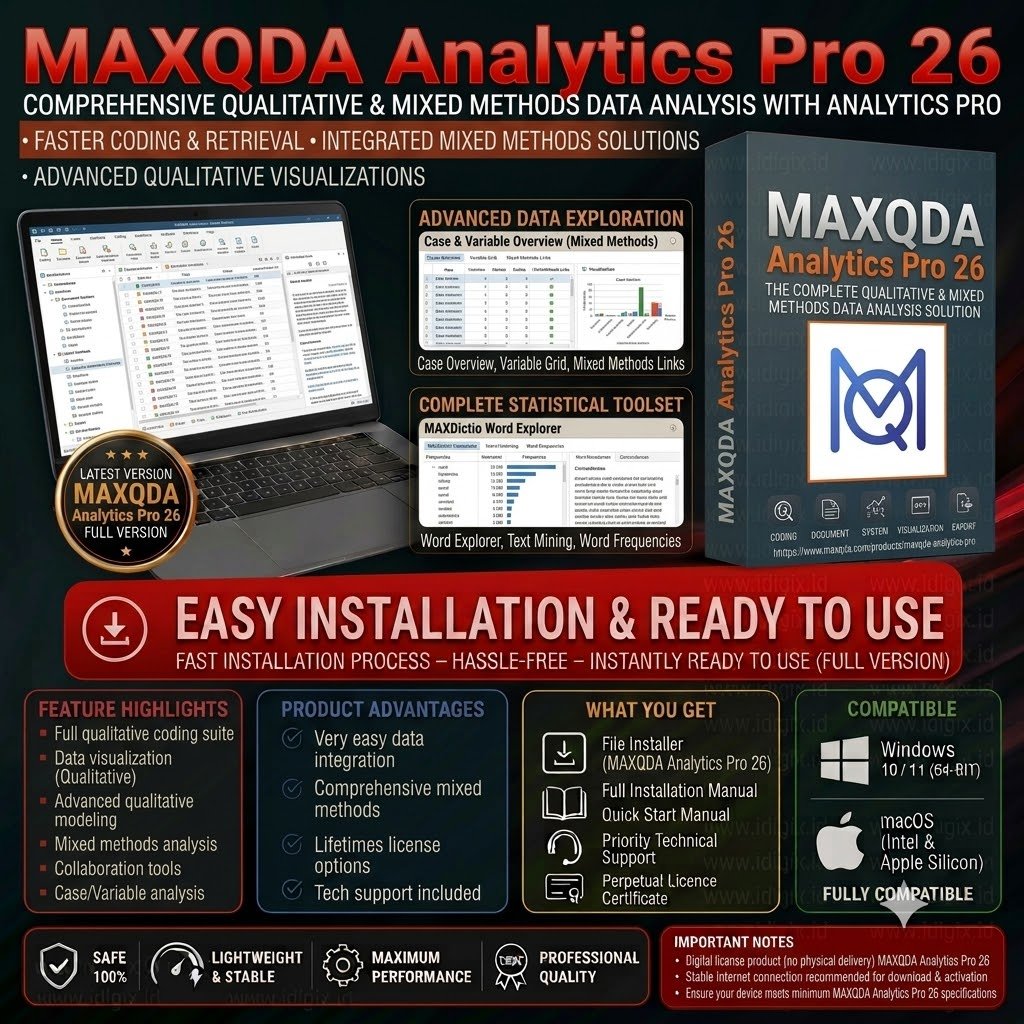
Description
keep in mind atlas AI Coding is online tool and its not working cracked license
MAXQDA Update 26.4
August 19th, 2026
🎉 NEW
Chat with your Code System
- Ask questions about your codes in the AI Chat and get answers grounded in your data, drawing on code names, code system hierarchies, code memos, and frequencies.
- Select which codes to include before starting a chat. Explore a subset of your data or your complete code system.
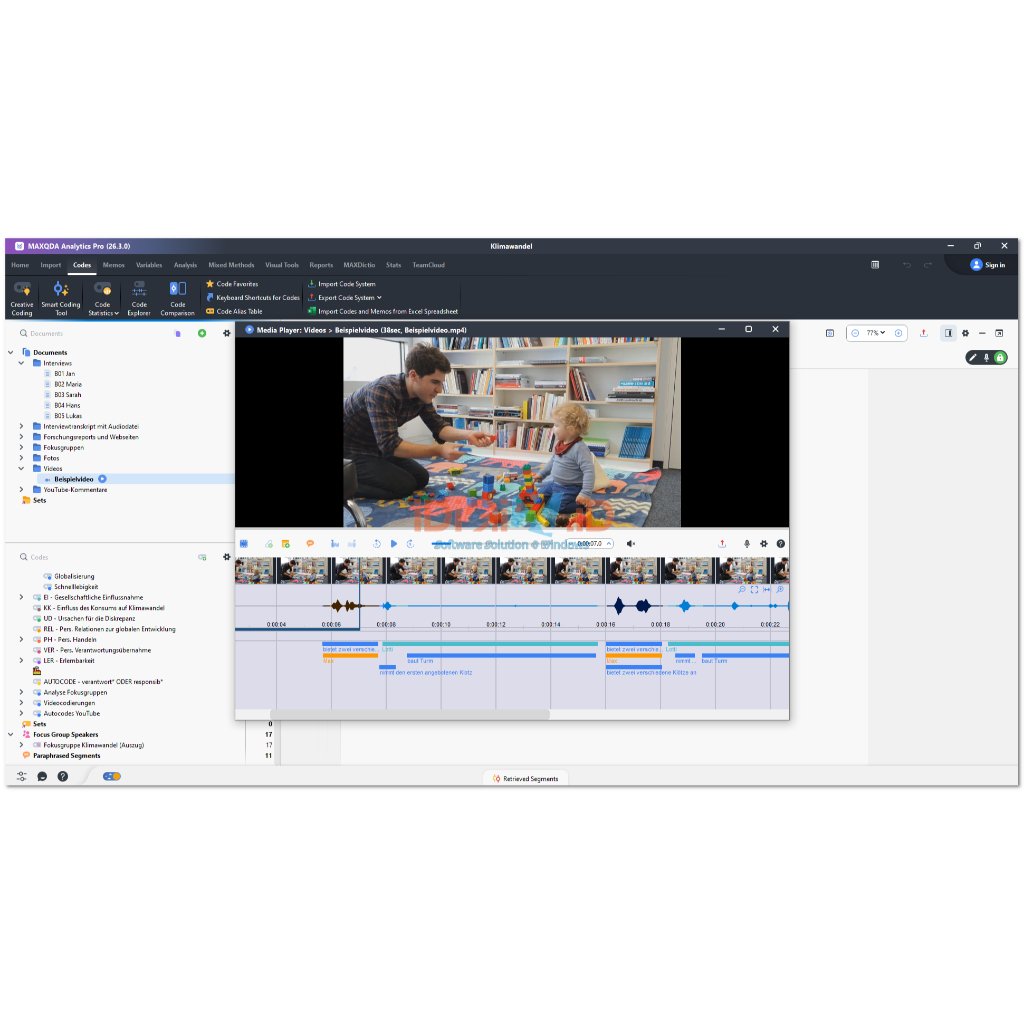
Media Player, Refined
- A clearer interface with a redesigned waveform, decluttered toolbar, a combined export menu, and smoother video thumbnails.
- Clearer hover and selection feedback on media clips and codings, and paraphrases are now visible at all times.
AI Assist Improvements
- Add instructions to steer AI suggestions for new codes toward specific topics or formats.
- Send your newly created AI subcodes straight to AI Coding to receive suggestions where to aplly them.
- Chat with the MAXQDA manual and get helpful information about using MAXQDA’s features.
- Document summaries now contain references so you can jum straight to the original source.
- Your AI Chat history is now available offline
- Your AI token balance is now vislble in the Account menu.
⚡️ IMPROVED
- Large Video Transcription: Automatic transcription now accepts video files over 1 GB, as long as the extracted audio track stays under 1 GB.
- QTT Export: Sending a Visual Tools output to a QTT worksheet now includes the complete visualization, not just the visible portion.
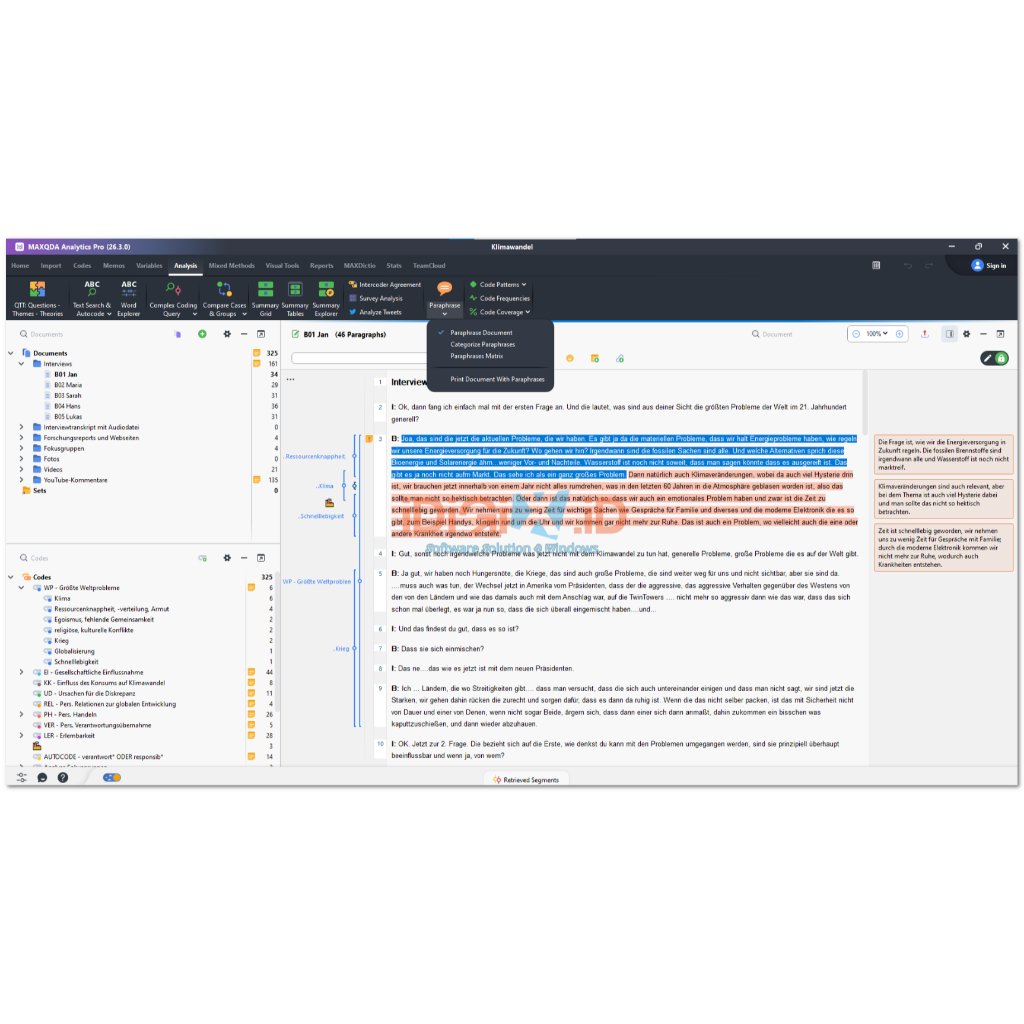
- Sidebar Refresh: Memos, comments, and paraphrases in the document sidebar have a visual refresh.
- Calendar Design: The date and time picker has a new calendar design.
- Coding Stripe Filter: The Document Browser filter now includes an “All users” option, and removing a user-based filter is clearer.
- Internal Links: Clicking an internal link in a document now opens the linked passage in a new tab, so you don’t lose your place.
- External Files Dialog: It’s now easier to view and open the location where an external file is stored.
- New Code Dialog: Updated UI with placeholder labels and clearer expand/collapse controls.
- New TeamCloud Project Dialog: Updated UI with clearer labeling and information about available space.
- Memo Tooltip: Now includes the content of the summary section.
- Code Tooltip: Now shows how many documents, document groups, and document sets a code has been applied to.
- Document Group/Set Tooltip: Now shows how many elements the group or set contains.
- License Switching: Switch to a different MAXQDA license directly within the program, without deactivating your current one first.
- Admin Rollout Option: Admins can roll out MAXQDA installations with the “stay logged in” option removed, to prevent users staying logged in on public or shared computers.
🛠️ FIXED
- Fixes an issue in the Smart Coding Tool where using a keyboard shortcut to create a new code did not correctly apply it to the selected segment.
- Fixes an issue where the “Sum up frequency of subcodes” setting in the Code System did not correctly aggregate frequencies when parent codes were collapsed.
- Fixes an issue where the “Science 2” foot pedal was not working for media playback during manual transcription.
- Fixes an issue where exporting or printing documents in Dark Mode resulted in white or invisible text in the output.
- Fixes an issue where exporting a Qualitative Themes Matrix containing both tables and text to Word did not format all elements correctly.
- Fixes an issue where the Undo button in the Document Browser sometimes remained inactive after deleting multiple lines of text containing timestamps.
- Fixes an issue where Text Search & Autocode created empty coded segments when autocoding search hits in table documents.
- Fixes an issue where importing standard .WAV audio files failed with a “codec not supported” error.
- Fixes an issue in the Categorize Paraphrases window where the list jumped back to the top after assigning a code to a paraphrase.
- Fixes an issue where activated codes were not automatically added to a newly created code set.
- Fixes an issue where exporting the List of Coded Segments from PDF documents to Excel included all document memos instead of only those overlapping the exported segments.
- Fixes a display issue where some dialogs were not fully visible on smaller, high-resolution screens.
- Fixes a display issue where the delete icon in the Overview of Segments, Codes, and Links tables was partially cut off.
- Fixes an issue where the help text in the E-Mail Import dialog was not displayed correctly.
- Fixes an issue in the Document Browser Playbar where the last position of a media file was not remembered correctly when switching between files.
- Fixes an issue where sync mode was automatically disabled when entering edit mode for media transcripts.
- Fixes an issue where the timestamp icon in the Document Browser toolbar sometimes remained inactive, so timestamps could only be set using the Enter key.
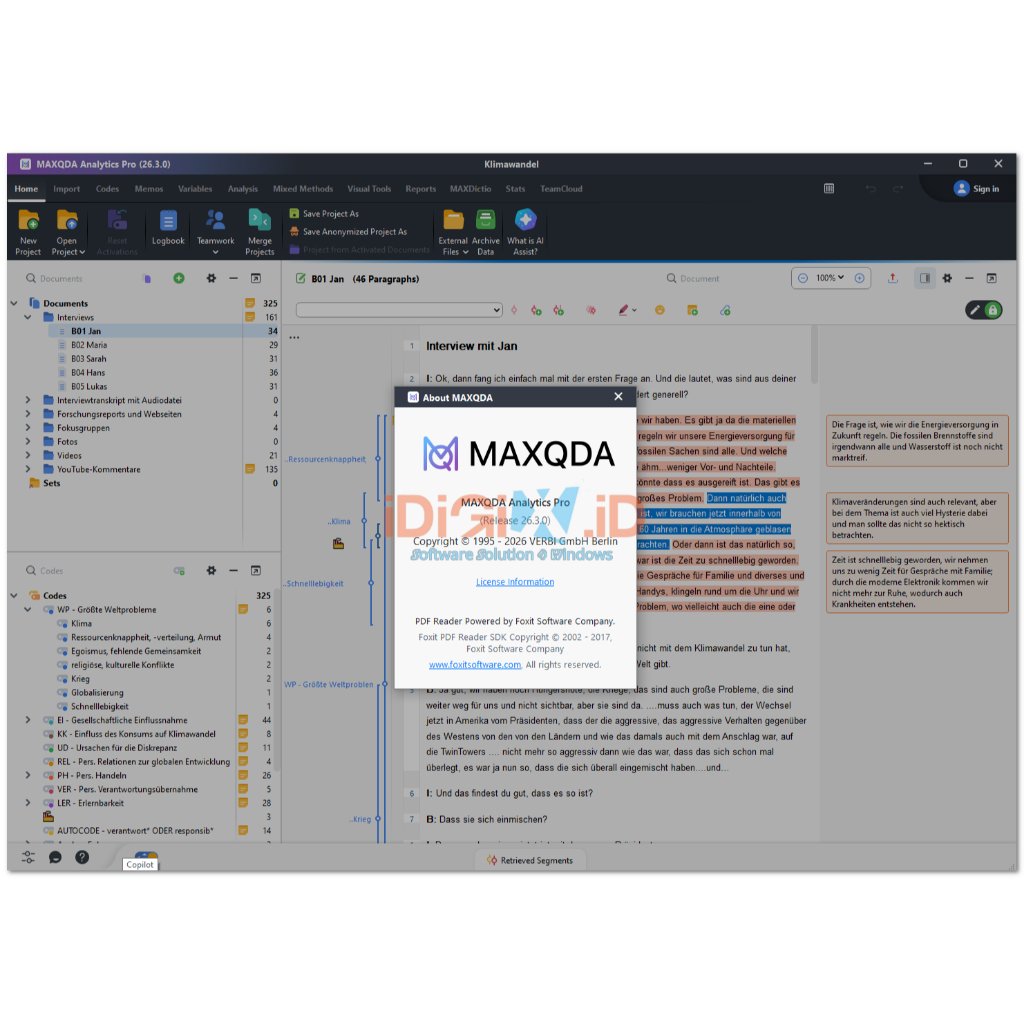
Version info:MAXQDA Analytics Pro 2026 (v.26.3) June 17th, 2026
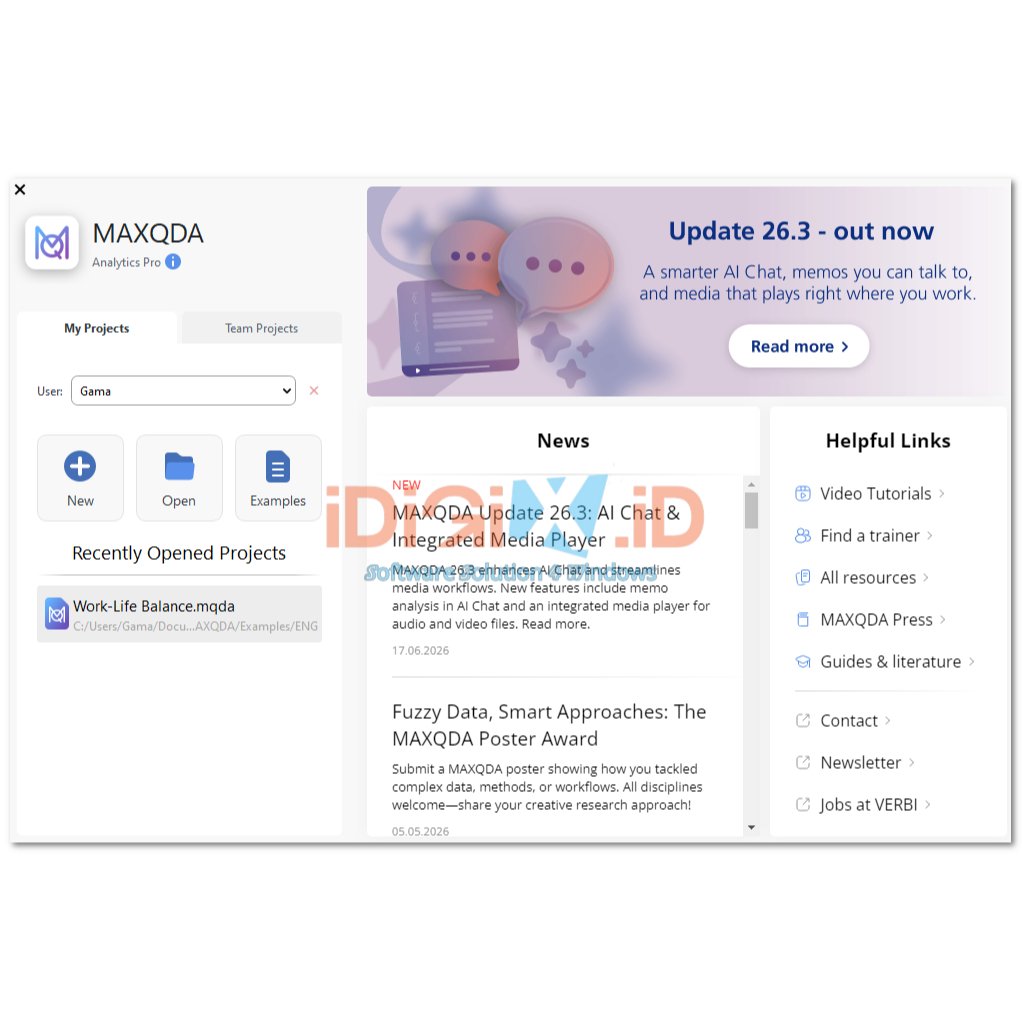
MAXQDA Update 26.3
June 17th, 2026
🎉 NEW
Chat with Your Memos
- Memos contain your most valuable analytical work — interpretations, summaries, and theoretical reflections. Now you can chat directly with your memos to put that knowledge to use: summarize groups of memos, search for recurring patterns, or structure insights from your research journal for publications and presentations.
Chat Preferences & Project Context
- Save your research questions, methods, and project goals once in the new Chat Preferences — AI responses will automatically draw on this context for every conversation, without you having to re-enter it each time.
- Also define your preferred response format globally: language, list style, length, and focus.
Integrated Media Player
- Audio and video files now play directly in the Document Browser window, alongside the associated transcript or analysis. No need to switch between windows for everyday playback tasks.
- The full media player remains available for in-depth media analysis and coding. Switching between View-Only, Edit, and Transcription modes is now clearer with a redesigned mode control.
⚡️ IMPROVED
- Transcription
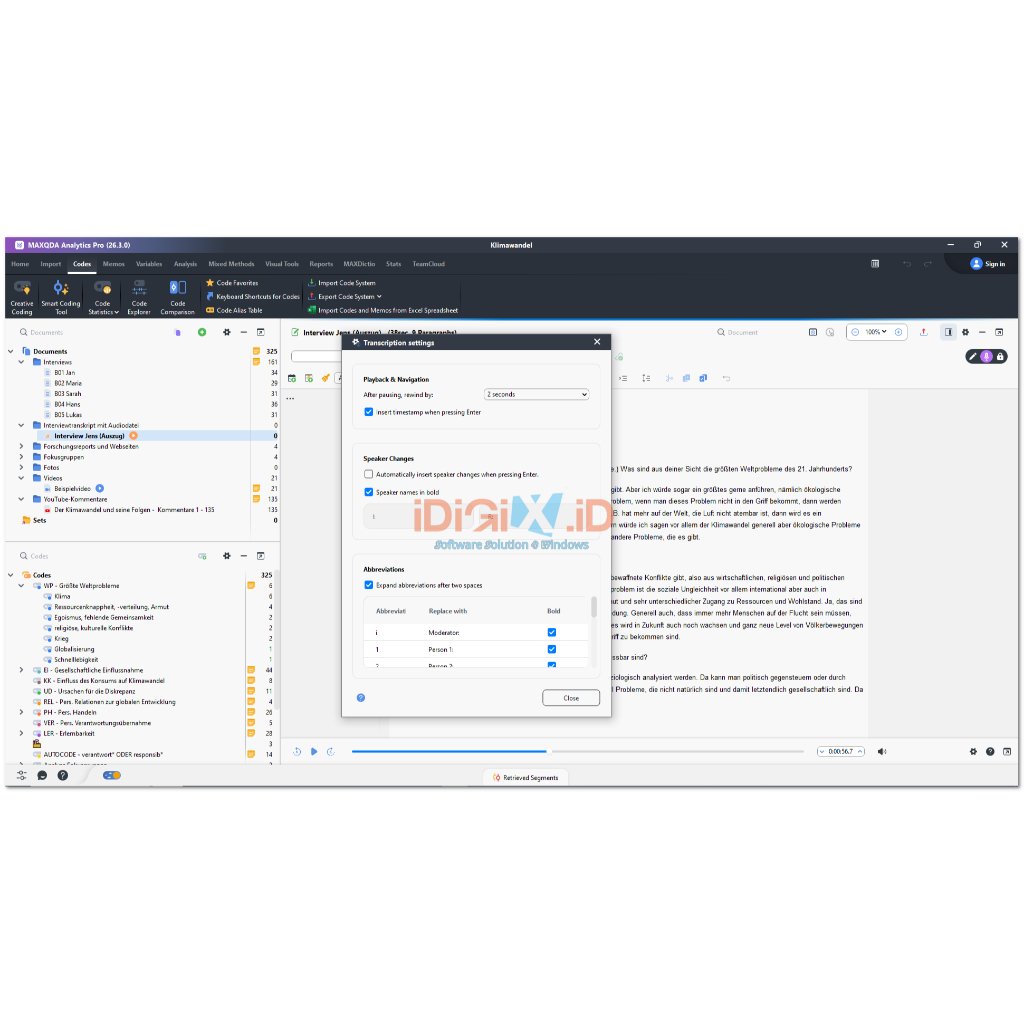
- Manual Transcription: Transcription is now fully contained in a single window, reducing clutter and helping you focus on the content.
- Automatic Video Transcription: The audio track is extracted from video files before upload, reducing file size and significantly shortening transcription wait times.
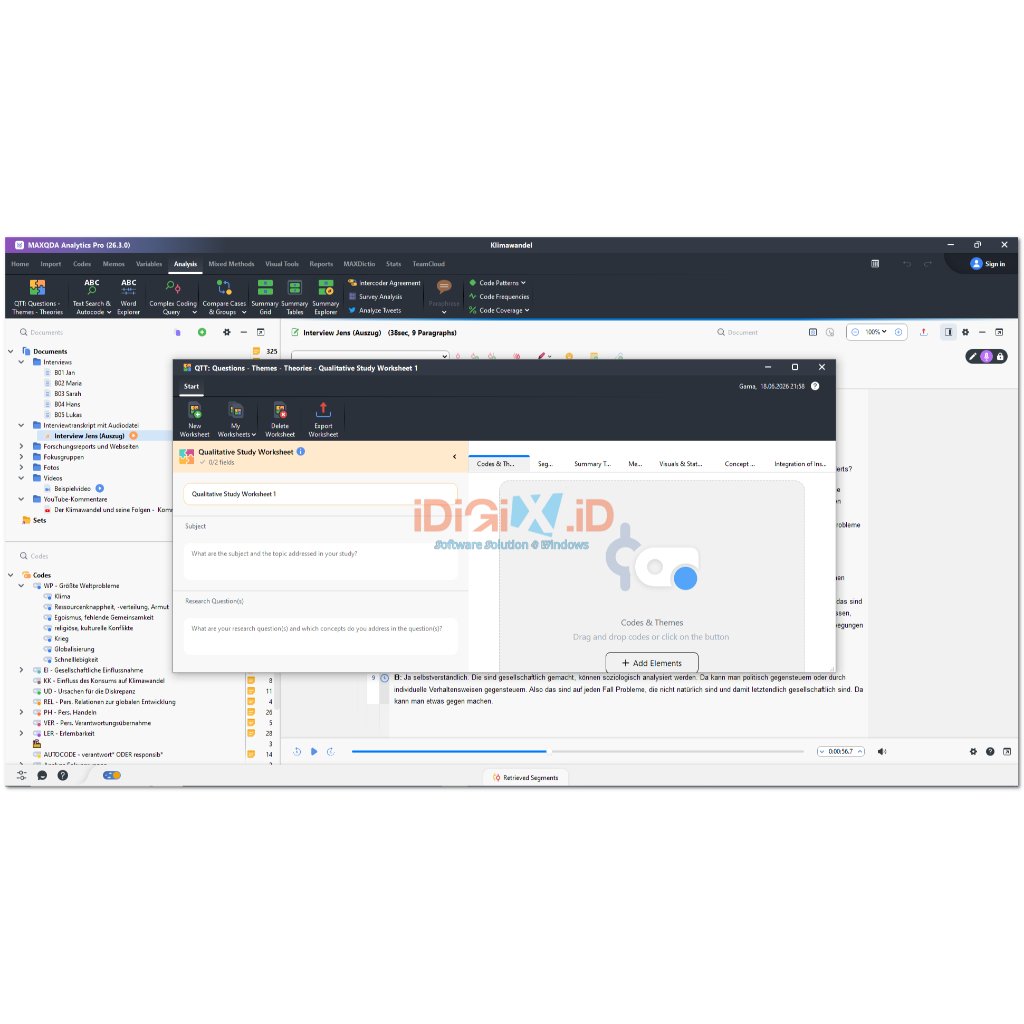
- QTT Worksheet: All sections of the Questions, Themes, Theories worksheet have been visually redesigned. Empty sections now display helpful guidance to get you started.
- Markdown Import: Files in Markdown format (.md) can now be imported as documents — ideal for text exported from AI tools, note-taking apps, or other Markdown-based sources.
- Accessibility: Every color in MAXMaps color dialogs now includes a descriptive tooltip, improving usability for users with color vision differences.
- External Files: Re-linking moved or deleted externally linked images and PDFs is now easier, for both regular and TeamCloud projects.
- Variables: A redesigned variable creation dialog makes it easier to understand and choose between the available variable types.
🛠️ FIXED
- Fixes an issue while bundling large media files as External Files. The tool can now handle files above 2GB smoothly.
- Fixes an issue on macOS where media files with non-ASCII characters in their file names could not be played.
- Fixes a crash that could occur when opening Summary Tables after a linked code had been deleted.
- Fixes an issue in Preferences where options were cut off in interface languages with longer text strings and required horizontal scrolling to be visible.
- Fixes an issue in the Document Browser where deleting the last entry of a list removed codings and links in the item above.
- Fixes an issue where maps in Creative Coding were cut off when exported as .emf files or printed.
- Fixes an issue on Windows where focus group speakers were missing when exporting a Segment Matrix from the Code Matrix Browser to Word or Excel.
- Fixes an issue where code names containing emojis were not displayed correctly in the Code Matrix Browser.
- Fixes an issue where the Document Portrait and its legend did not take up the full available space in the dialogue and were displayed too small.
- Fixes an issue where the “Replace all” option in the search widget was hidden on small displays. The option has been replaced with an icon to ensure it is always visible.
- Fixes an issue in the Code Matrix Browser where emoticons were displayed with incorrect character fragments.
- Fixes an issue where paragraph numbers and vertical separators could overlap document text in the print preview and when printing.
MAXQDA 2026: The Future of Qualitative & Mixed Methods Research
Empower your research with MAXQDA 2026, the most intuitive and powerful software for qualitative, quantitative, and mixed methods data analysis. Used by thousands of universities, governments, and commercial organizations worldwide, MAXQDA 2026 provides a seamless environment for organizing, evaluating, and visualizing complex data.
Why Choose MAXQDA 2026?
The 2026 edition introduces revolutionary AI-driven features designed to speed up the most time-consuming parts of the research process. Whether you are conducting a thematic analysis for a dissertation or managing a large-scale international study, MAXQDA 2026 ensures your insights are grounded in evidence and presented with professional clarity.
Key Features
-
Universal Data Support: Analyze everything from interviews, focus groups, and PDF documents to web pages, social media feeds, and YouTube comments.
-
Mixed Methods Leadership: Seamlessly combine qualitative codes with quantitative variables to reveal patterns that others miss.
-
Advanced Visual Tools: Create stunning Document Maps, Code Clouds, and Sunburst charts that make your findings easy to communicate.
-
Smart Coding Workflow: Utilize the “Creative Coding” and “Code Maps” tools to build your theoretical framework visually.
-
Team Collaboration: Robust features for multi-user projects, including inter-coder agreement testing and project merging.
System Compatibility
| Component | Minimum Requirement | Recommended Specification |
| Operating System | Windows 10 (64-bit) / macOS 12+ | Windows 11 / macOS 14 (Sonoma) |
| Processor | 2.0 GHz Dual-core | Intel Core i7 / AMD Ryzen 7 / Apple M2/M3 |
| RAM | 8 GB | 16 GB or 32 GB (for massive projects) |
| Storage | 1 GB Free Space | SSD NVMe (Fast data access) |
| Display | 1280 x 800 resolution | 1920 x 1080 (Full HD) |
Perfect For
-
Academic Researchers: The premier tool for publishing in high-impact journals and completing PhD dissertations.
-
Market Researchers: Gaining deep insights from customer reviews, focus groups, and open-ended survey responses.
-
NGOs & Governments: Evaluating social programs and analyzing policy impact through systematic data evidence.
-
Medical Researchers: Analyzing patient interviews and clinical trial qualitative data.
Samsul Arifin –
Recomended